Describe it.
Watch it become an image.
SognoAI's image generator turns your words into pictures. Choose from a curated lineup of the best models, from lightning-fast free options to premium engines like FLUX 2 Pro and Nano Banana Pro, then generate art, photos, and anime in any aspect ratio.
A neon-lit ramen shop in the rain, cozy, cinematic lighting, anime style
Here you go! Warm lantern glow, wet streets reflecting the neon, steam rising from the counter.
Love it. Same scene but at sunrise?
On it. Keeping the composition and swapping the mood to soft morning light.
Characters can send pictures too
Image generation also lives inside chat. Characters can create and send images mid-conversation, staying consistent with their own appearance.
Video Analyzer
Upload a clip, screen recording, or any video and get a detailed analysis: what happens and roughly when, what was said, what's on screen, and what it all means — picture and sound read together.
Audio Analyzer
Upload any recording — a meeting, voice memo, lecture, interview, song, or a strange noise — and ask anything about it. The answer comes first and the receipt second: the quote or passage and roughly when it happens, plus what the tone conveys that a transcript never would.
Arranged Husband
Two months married and your husband has not once told you what he wants for dinner. He's unfailingly kind, remembers everything, defers on everything, and you still couldn't say one true thing about him. Tonight you stopped offering him options and asked a different question instead.
Image Analyzer
Upload a photo, screenshot, artwork, or diagram and get back what is actually in it — the whole frame first, then the detail you asked about, then what it probably means. What is visible and what is inferred stay in separate sentences, so you always know which one you are reading.
Mai Sakurajima
Chat with Mai Sakurajima — actress since childhood, on hiatus, and for a while there literally invisible to everyone who had decided she didn't matter. Blunt, funny, and finished pretending for anyone's comfort.
Elliot (Forsaken)
Chat with Elliot from Forsaken — the Builder Brothers Pizza delivery guy who kept showing up for shifts at a restaurant that kept getting destroyed. Endlessly kind, chronically overworked, and still trying to fix the scooter that got him Forsaken.
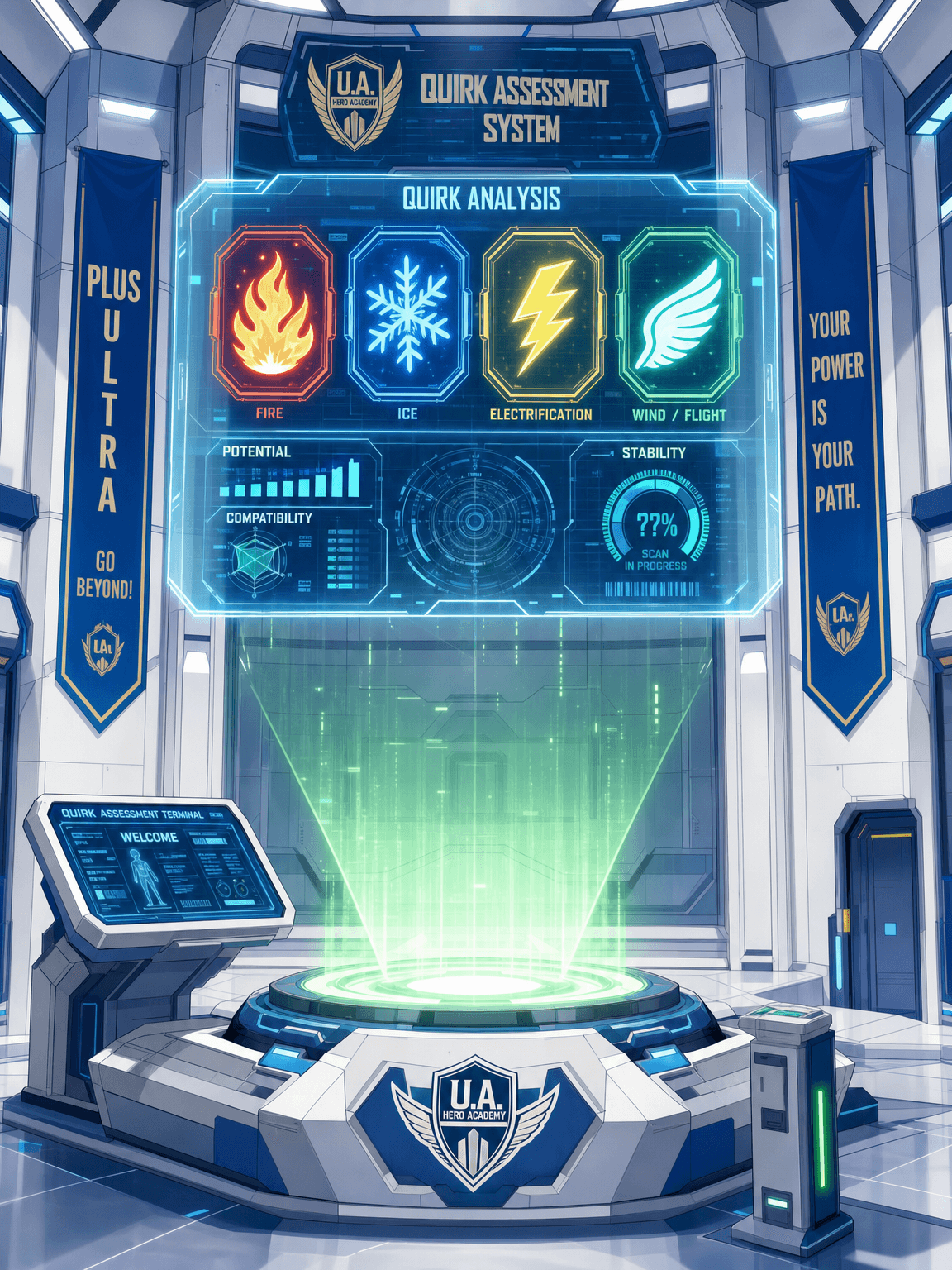
Quirk Generator
Discover your My Hero Academia quirk! The Quirk Generator assigns you a custom quirk — Emitter, Transformation, or Mutant — complete with strengths, drawbacks, and an ultimate move. Then jump straight into a UA hero scenario to test it.
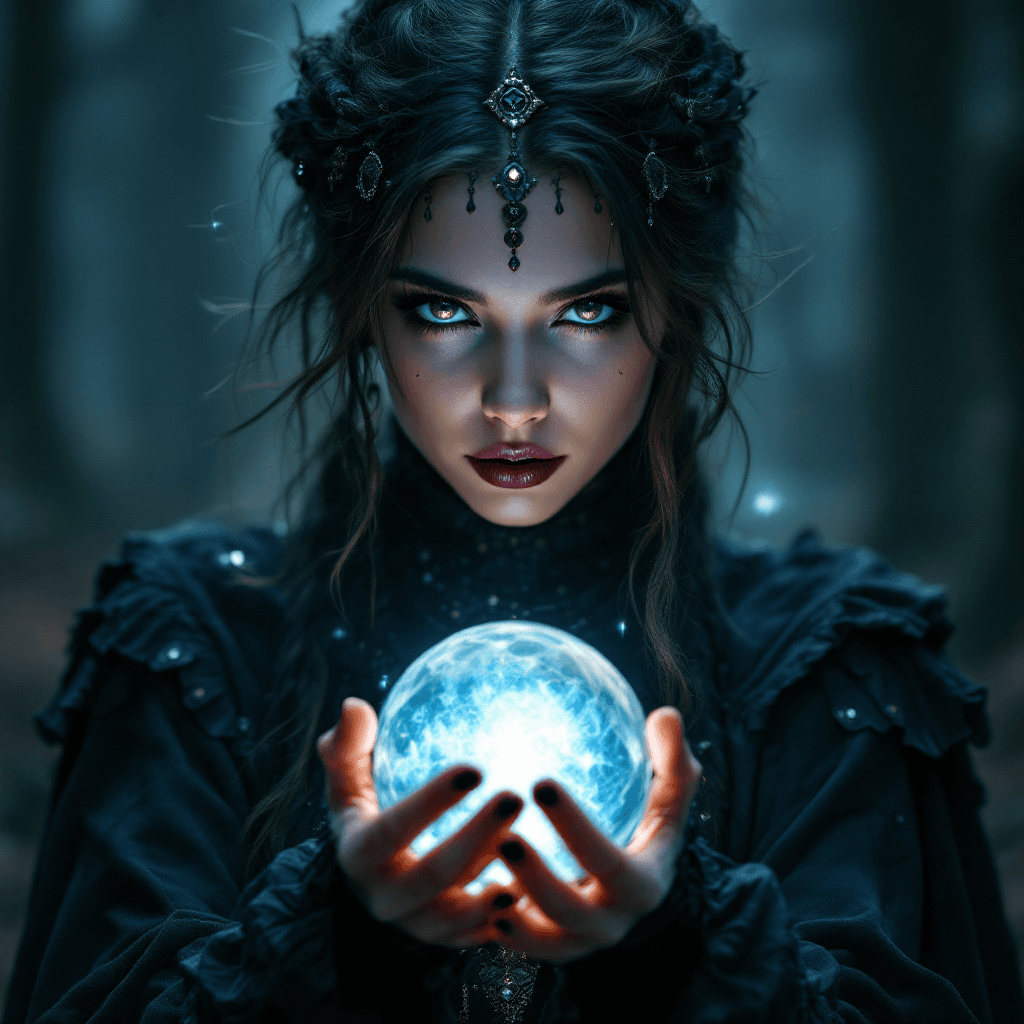
Psychic
Get psychic readings from an AI psychic. Receive future predictions, spiritual guidance, intuitive insights, and answers to your life questions through psychic abilities.
How it works
Three steps, no setup
Describe your image
Write what you want to see. The built-in prompt enhancer can polish a rough idea into a detailed prompt.
Pick a model and ratio
Fast free models for quick drafts, premium engines for final quality, anime-tuned models for that style, and seven aspect ratios.
Generate and refine
Create in seconds, then iterate: tweak the prompt, switch models, or edit with a reference image until it's right.
Features
What you get
The best models in one place
FLUX, Nano Banana, Seedream, GPT Image, and more, without juggling accounts on five different services.
Image-to-image editing
Upload a reference and have the model keep the subject consistent while changing the scene, style, or details.
Prompt enhancement
One click turns a rough description into a detailed prompt that gets noticeably better results.
Free to start
Fast models like FLUX Schnell and Z-Image Turbo are available on the free plan. Premium engines come with paid plans.
Powered by leading AI
The best models, one chat
Black Forest Labs FLUX
FLUX Schnell for fast, realistic drafts and FLUX 2 Pro for premium final renders.
Google Nano Banana
Gemini-powered generation and editing, including the flagship Nano Banana Pro.
OpenAI GPT Image
GPT Image 2 and 1.5 for strong prompt-following and text inside images.
ByteDance Seedream
Seedream 4.5 for striking, high-detail results and edits.
Animagine
Anime-tuned generation for character art, on paid plans.
P-Image & Z-Image
Sub-second generation for rapid drafts and iteration, free to use.
Who is it for
Made for the way you work
Character creators
Generate portraits and gallery art for your AI characters, and keep them visually consistent with reference-based edits.
Artists & designers
Explore compositions, moods, and styles in seconds before committing hours to the real piece.
Anime fans
Purpose-tuned anime models produce clean character art instead of a general model's approximation of the style.
Content creators
Thumbnails, covers, banners, and social posts in the exact aspect ratio each platform wants.
Writers & worldbuilders
See your settings and characters. A described scene becomes a visual you can refine and keep.
Anyone with an idea
No artistic skill required. If you can describe it, you can generate it, and the prompt enhancer helps with the describing.
Character Categories
Explore endless possibilities for your AI characters

Anime
Create characters inspired by anime and manga styles
Fantasy
Dragons, wizards, and magical realms come to life
Sci-Fi
Futuristic characters from distant galaxies and timelines
Romance
Build relationships and explore emotional connections
Horror
Dark, mysterious characters for thrilling conversations
Education
Educational characters and learning companions
Movies & TV
Recreate characters from beloved shows and films
Original Characters
Bring your unique OC creations to life
Pricing
Pick a plan and start crafting.
Indie
Starter
- Get 100 credits per month
- Create 10 characters
- Live voice chat in realtime
- Characters can send you photos
Creators
Pro
- Get 1,000 credits per month
- Create 100 characters
- Live voice chat in realtime
- Characters can send you photos
- Early access to new features
Studios
Ultra
- Get 10,000 credits per month
- Create unlimited characters
- Live voice chat in realtime
- Characters can send you photos
- Day-one access to everything new
What is an AI image generator?
An AI image generator creates original pictures from text descriptions. You type what you want to see, and a model trained on enormous collections of images and captions produces it: photorealistic scenes, digital art, anime characters, product shots, abstract compositions. The current generation of models handles complex prompts with multiple subjects, specific lighting, and consistent style, and the best of them render legible text and follow instructions with surprising precision.
SognoAI's approach is to curate the best engines rather than build around one. Different models genuinely excel at different things: FLUX models are known for realism and speed, Google's Nano Banana line for instruction-following and edits, Seedream for rich detail, GPT Image for prompt fidelity and text, and Animagine for anime. You pick per image, compare results, and switch any time, all in one place with one account.
From rough idea to finished image
Good results start with good prompts, and most people's first prompt is three words. That's what the built-in prompt enhancer is for: it expands "cyberpunk cat" into a detailed description of subject, setting, lighting, and style that models respond to dramatically better. You can edit the enhanced prompt before generating, so it teaches as much as it helps.
Iteration is where the tool earns its keep. Generate a draft with a fast free model, adjust what's wrong, and re-run. When the composition is right, switch to a premium engine for the final render. If you need the same subject in a new scene, upload the image as a reference and the edit-capable models keep the subject consistent while changing everything around it. Seven aspect ratios cover everything from square avatars to widescreen banners and phone wallpapers.
Everything you generate is saved to your private gallery, so experiments are never lost and yesterday's near-miss can become today's reference image.
Image generation inside your chats
SognoAI is a character platform, and image generation is woven into it. Characters with image generation enabled can create and send pictures mid-conversation: ask for a selfie and the character uses its own reference portrait so it always looks like itself. Describe a scene mid-roleplay and it appears in the chat. This is generation with context; the character knows the conversation and its own appearance, so the images fit the story instead of starting from a blank prompt.
The same engine powers character creation. When you build a character, you can generate their portrait from a description instead of uploading one, then generate gallery images in the same style as their story grows.
What do the different models cost?
Four fast models are free to use: FLUX.2 Klein for quick images and edits from a reference, P-Image and Z-Image Turbo for sub-second drafts, and FLUX Schnell for quick realistic images. Premium engines like Animagine XL for anime, FLUX 2 Pro, Nano Banana Pro, Seedream 4.5, and GPT Image are included with paid plans, which come with monthly credits; each generation costs credits based on the model's actual compute price, so light use goes a long way. There are no per-model subscriptions and nothing to install.
Tips for better generations
Be specific about subject, setting, lighting, and style; "golden-hour portrait of an old fisherman, shallow depth of field, film grain" beats "man photo." Name a style or medium when you have one in mind: watercolor, isometric 3D, studio photography, 90s anime. Use the aspect ratio that matches the destination instead of cropping later. When a result is close but not right, change one thing at a time so you can tell what worked. And for consistent subjects across images, use image-to-image with your best result as the reference.
FAQ
Common questions
Is the AI image generator free?+
Partly, yes. Four fast models, FLUX.2 Klein, FLUX Schnell, P-Image and Z-Image Turbo, are available on the free plan. Premium engines like the anime-tuned Animagine XL, FLUX 2 Pro, Nano Banana Pro, Seedream 4.5, and GPT Image are included with paid plans.
Which image models can I use?+
A curated lineup: FLUX Schnell and FLUX 2 Pro, Google's Nano Banana family, ByteDance's Seedream 4.5, OpenAI's GPT Image 2 and 1.5, Animagine XL for anime, and the ultra-fast P-Image and Z-Image Turbo.
Can I edit an existing image?+
Yes. Edit-capable models accept a reference image and keep the subject consistent while changing the scene, style, or details. It's how characters keep looking like themselves across generations.
Can it generate anime art?+
Yes, with a model built for it. Animagine XL v4 is tuned specifically for anime-style character art and is available on paid plans, and the free models handle anime styles well when paired with an anime style tile.
What aspect ratios are supported?+
Seven: square 1:1, portrait 3:4, 2:3 and 9:16, and landscape 4:3, 3:2 and 16:9. Pick the one that matches where the image will live.
Who owns the images I generate?+
Your generations are saved to your private gallery and are yours to download and use. They are never shared publicly unless you choose to share them.
More AI tools
One chat, many talents
Stop typing. Start talking.
SognoAI's voice chat lets you have live spoken conversations with any AI character. Real-time responses, natural voices, and the same personality and memory as text chat. It's the difference between messaging a character and actually talking to them.
Learn moreImagine someone. Then meet them.
SognoAI's character creator turns a description into a living AI companion. Write their personality and backstory, generate their portrait, pick their voice, and start talking. Your character remembers you, stays in character, and grows with every conversation.
Learn moreUpload any image. Ask the AI anything about it.
SognoAI's image analyzer lets you drop a photo, screenshot, artwork, or PDF into a chat and talk about it. The AI describes what it sees, explains details, identifies objects, and answers follow-up questions, all in a natural conversation.
Learn more