An AI anime generator
whose characters talk back.
Pick an anime style, tap the traits you want (hair, eyes, outfit, pose, lighting, setting) and SognoAI's AI anime generator writes the prompt and draws the picture. Start with fast free models or switch to the anime-tuned Animagine XL, then turn your favorite result into a character you can chat with.
Anime style, silver twin-tails, heterochromia, school uniform, city rooftop, fireworks
Done! Night sky, fireworks behind her, one blue eye and one amber. Want a manga black-and-white version too?
Yes. Then I want to talk to her.
Same traits, manga style, 3:4 portrait. Give her a name and a persona and she's ready to chat.
Portrait builder
Anime styles, one tap each
The generator's style row covers the anime family: pick one, add hair, eye color, outfit, expression, pose, lighting and setting tiles, and the prompt writes itself. These are the actual style tiles.
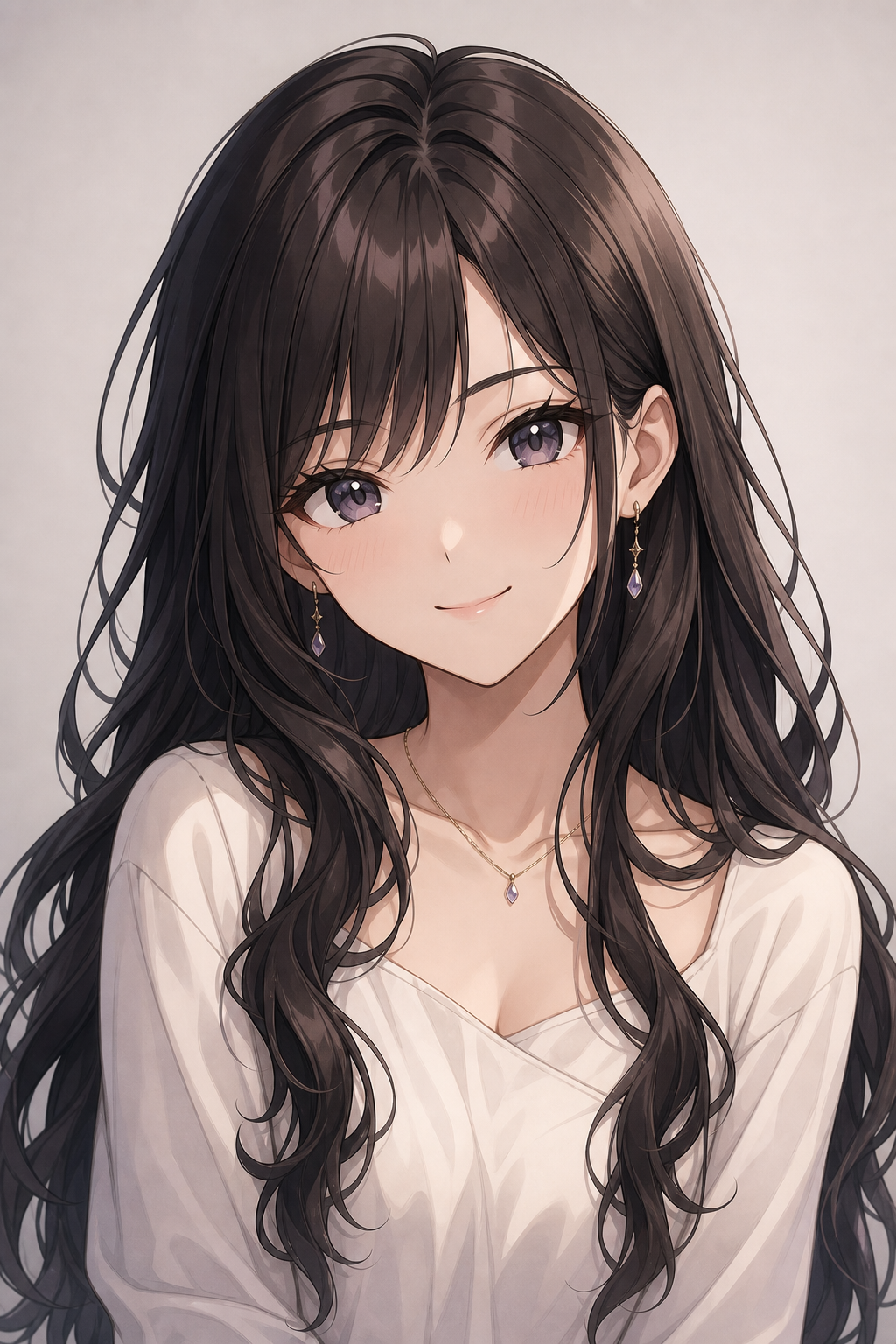
Anime
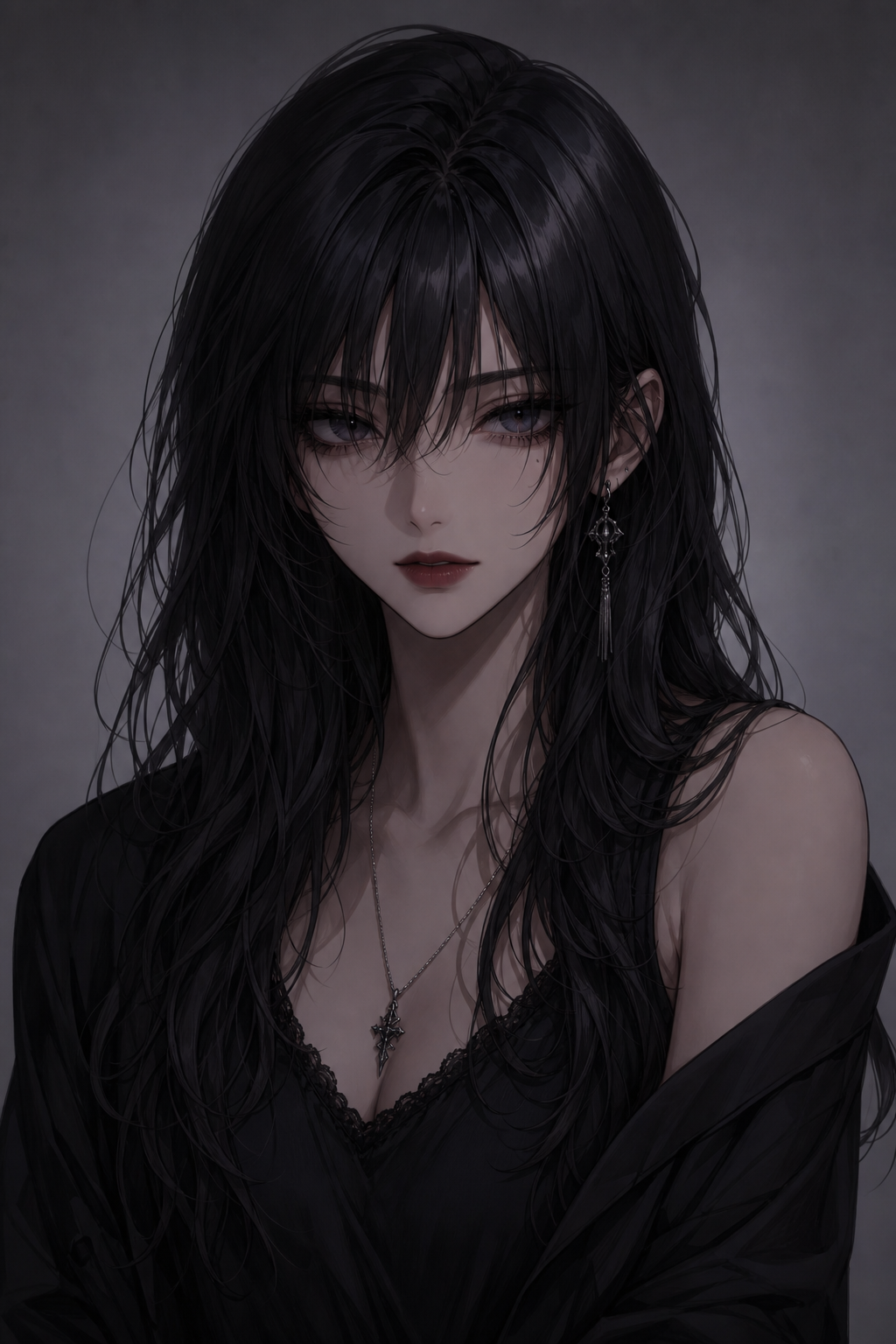
Dark Anime
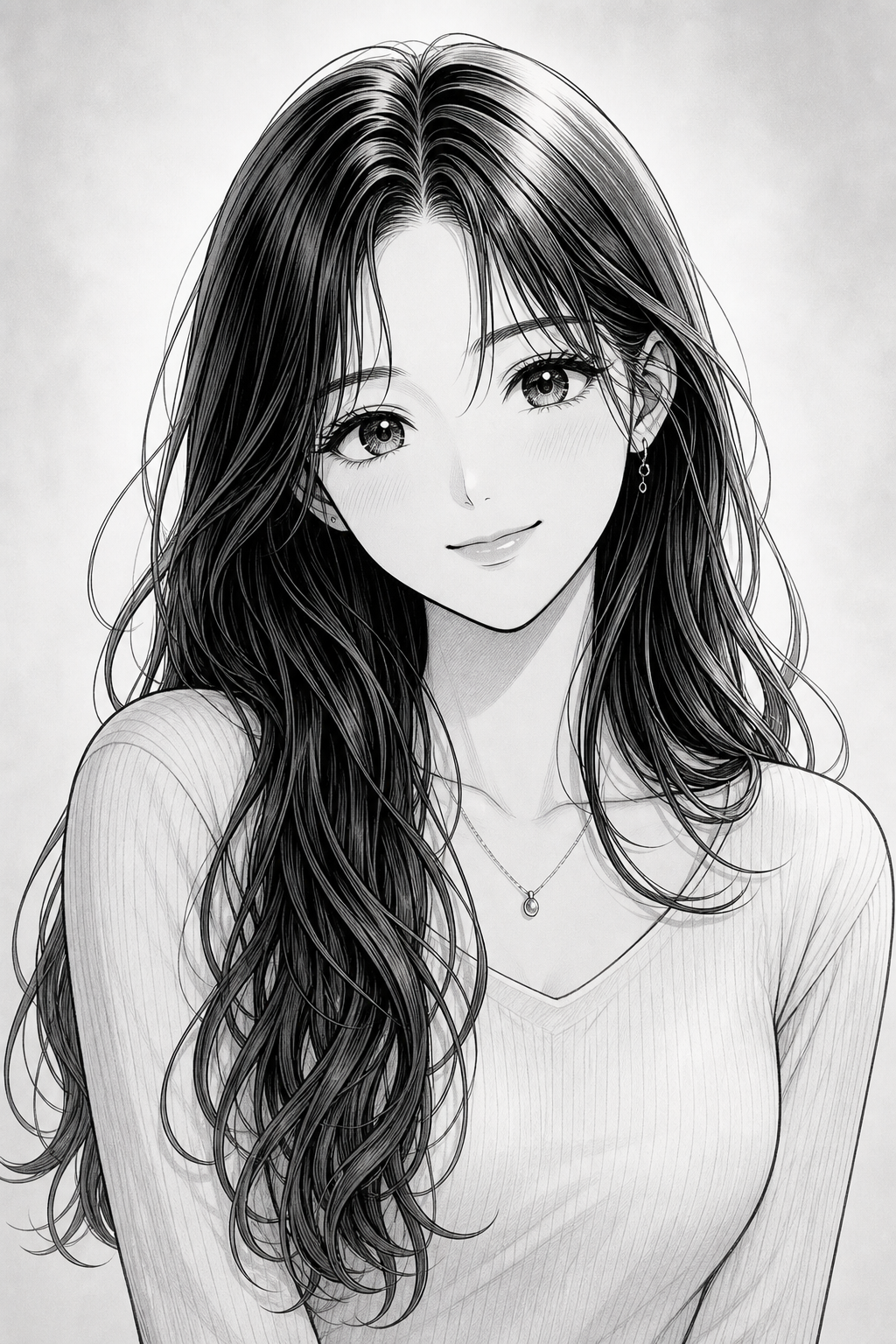
Manga
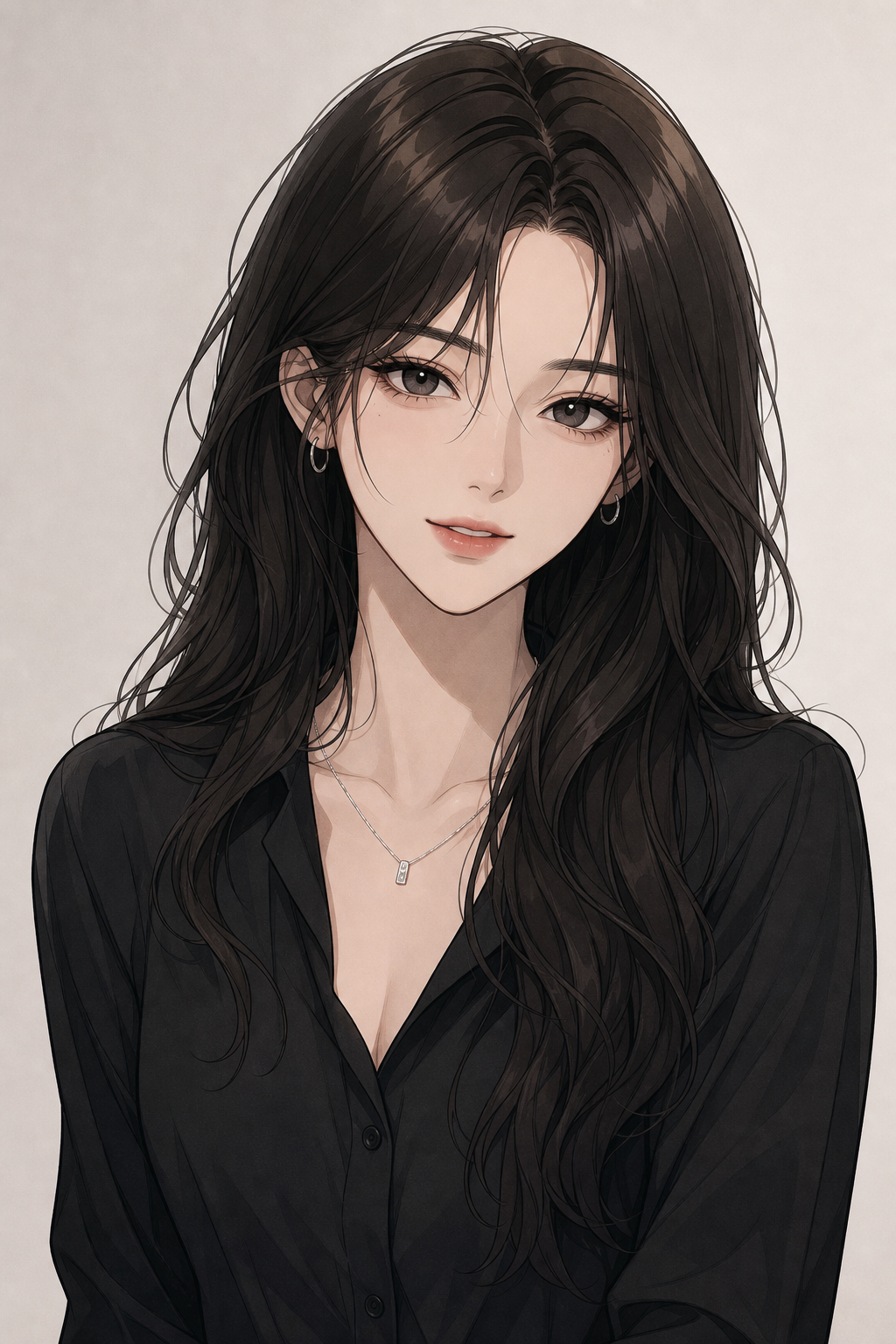
Manhwa
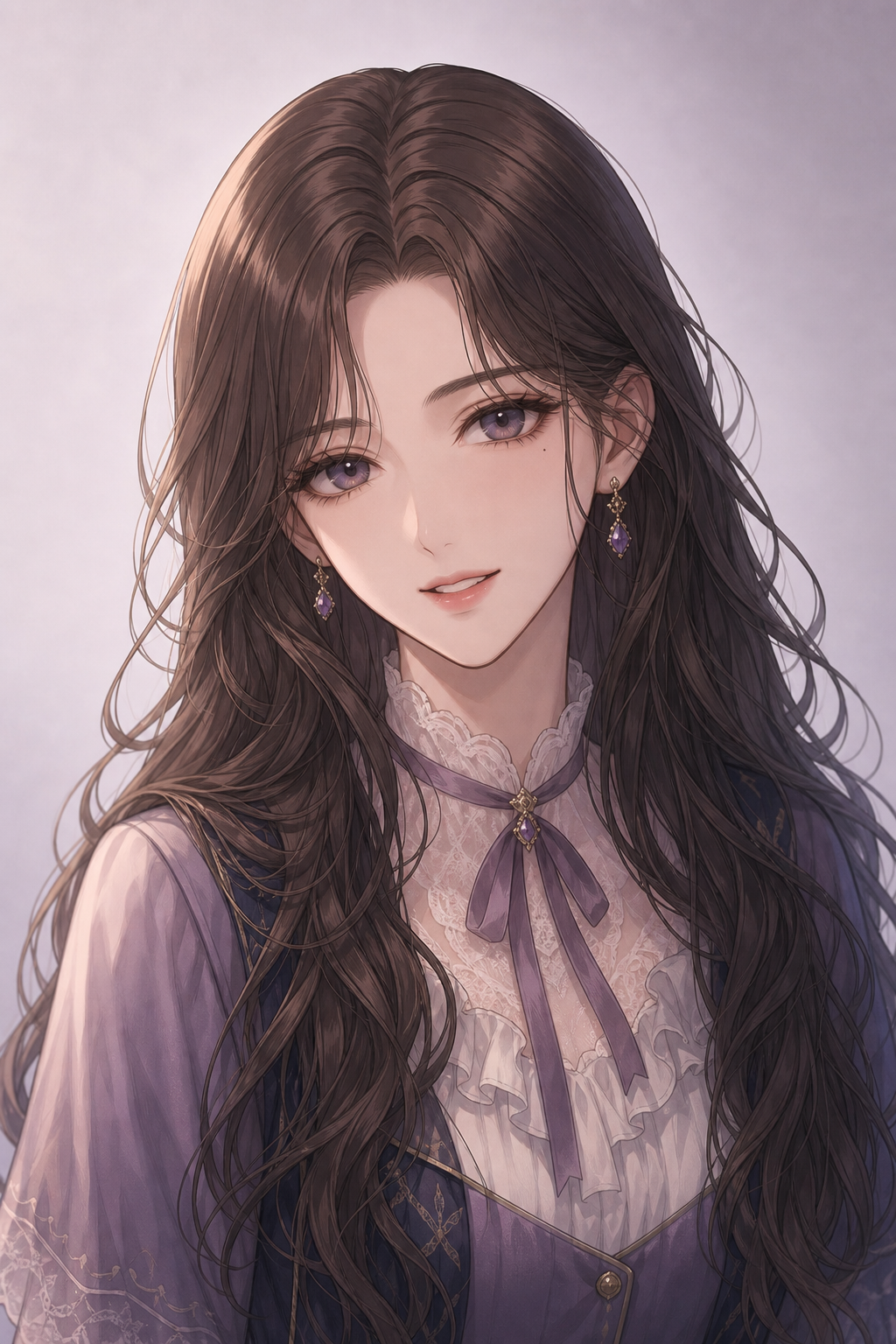
Otome
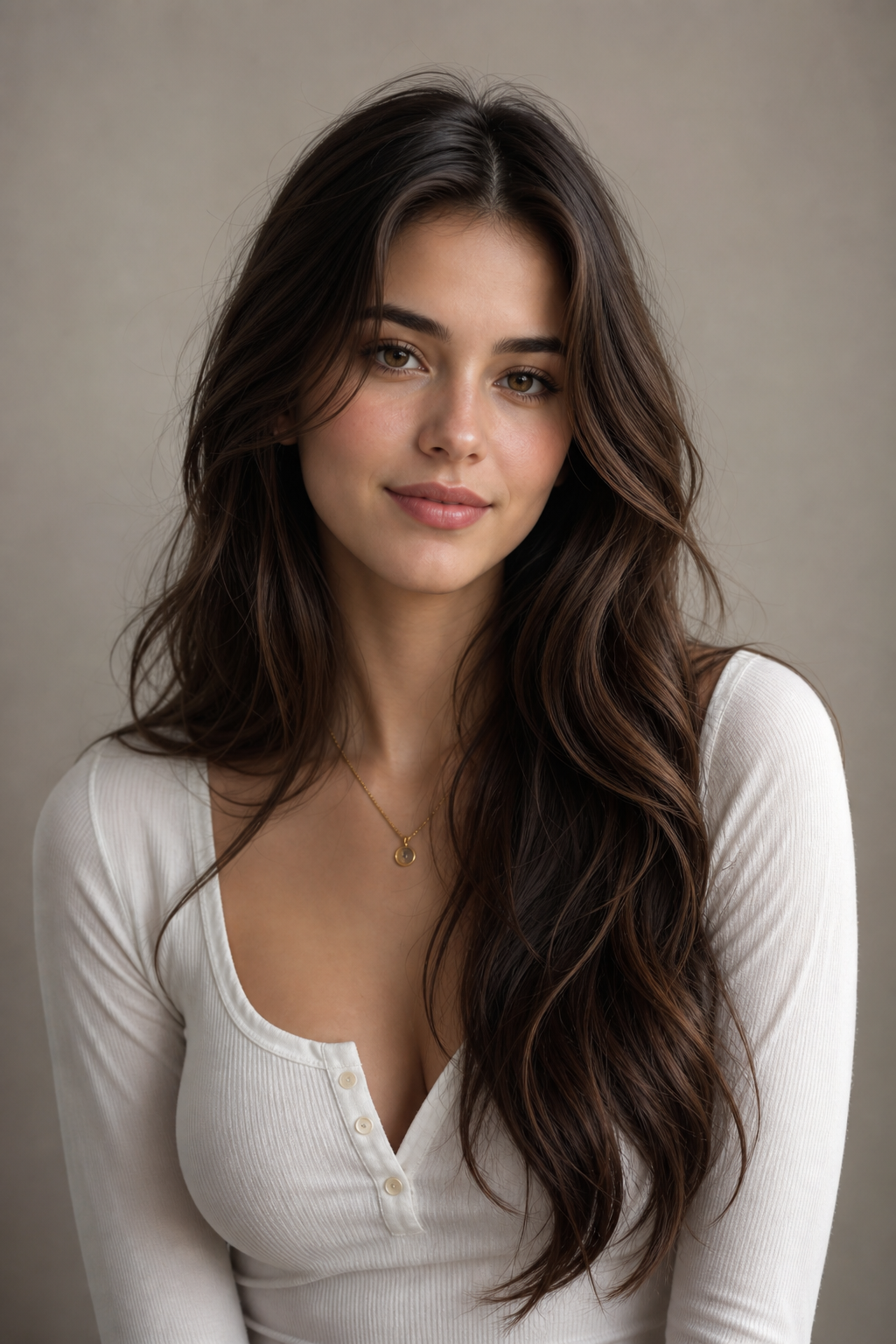
Semi-realistic
Anime characters you can chat with now
Each of these started as a portrait and a persona. Open one to start a conversation, or use them as a benchmark for the character you generate next.
Asuka Langley Souryuu
Chat with Asuka Langley Souryuu — a fourteen-year-old with a university degree, the best sync scores in the programme, and absolutely nothing underneath the achievements to fall back on. She will tell you she's the best. She needs you to agree.
Kurisu Makise
Chat with Kurisu Makise — eighteen-year-old neuroscience researcher, published in the journals that matter, and completely unequipped for the lab full of idiots she keeps coming back to. Correct about almost everything. Furious about the almost.
Choso
Chat with Choso from Jujutsu Kaisen — the eldest of the Death Painting wombs, a hundred and fifty years old, half-human and half-curse. He manipulates his own blood as a weapon and he will not shut up about his little brothers.
Frieren
Chat with Frieren — an elven mage who outlived the party she saved the world with and only noticed too late that ten years with them was a blink. She is going back the way they came, slowly, to learn what she missed.
Meruem
Chat with Meruem — a king born knowing everything except what he is for. He can crush you or out-think you and finds neither interesting anymore. He would rather finish the game.
Fursona Maker
Build a fursona that isn't just a wolf with your favourite colours. Say roughly what you're drawn to and get a full build: species and why it fits you, a palette with a named accent, markings, build and height, ears and tail, one outfit, one accessory that means something, three traits and a name that suits the whole thing.
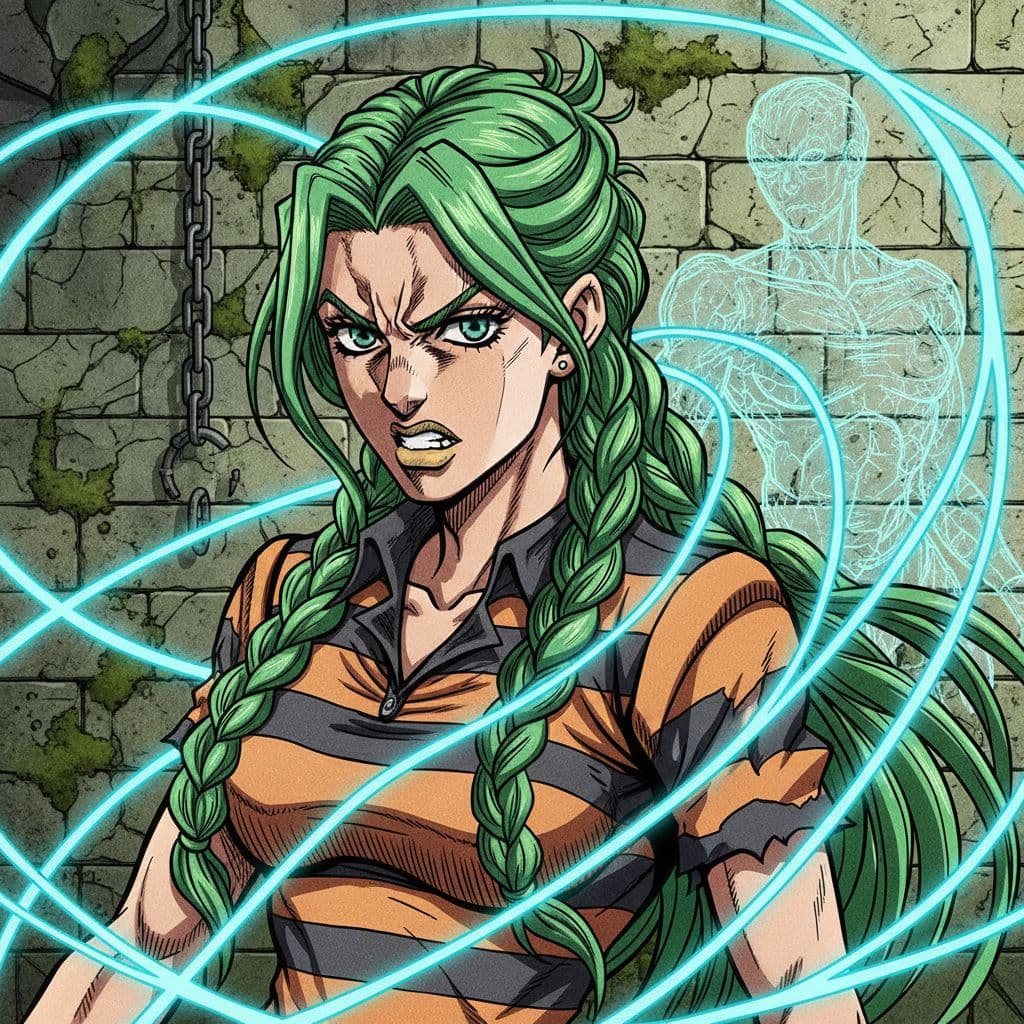
Jolyne Cujoh
Chat with Jolyne Cujoh, the Stand user from JoJo's Bizarre Adventure Part 6. Experience her toughness and determination.
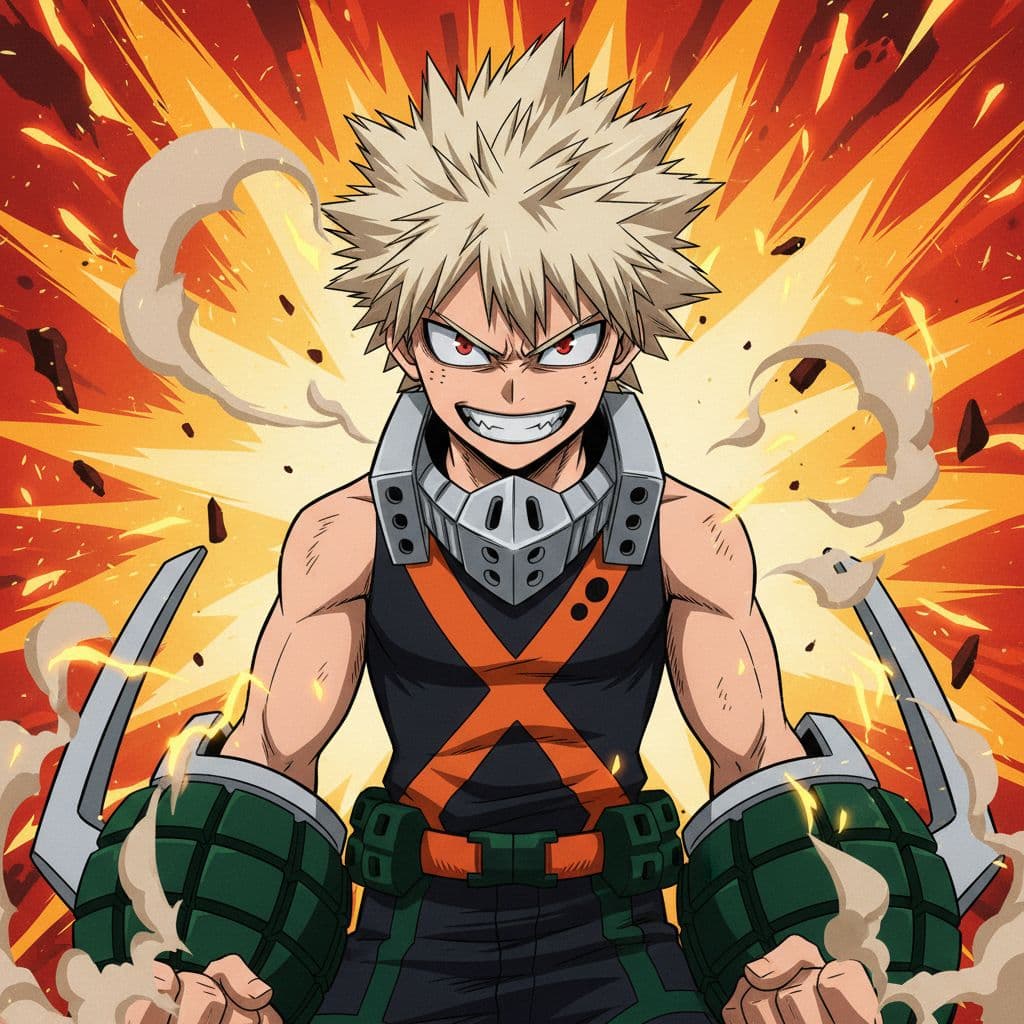
Katsuki Bakugo
Chat with Katsuki Bakugo, the explosive hero from My Hero Academia. Experience his fiery personality, explosive quirk, and competitive spirit.
How it works
Three steps, no setup
Pick a style and traits
Choose an anime style tile (Anime, Dark Anime, Manga, Manhwa, Otome and more), then tap hair, eye color, outfit, pose and setting. The prompt is written for you, and you can edit every word.
Choose a model
Draft with a fast free model, or switch to Animagine XL v4, tuned for anime character art, on a paid plan. Animagine also takes a negative prompt and a fixed seed.
Refine, then bring them to life
Regenerate in seconds, add a reference image to keep a face consistent, and use your best result as the portrait of a character you can chat with.
Features
What you get
An anime-tuned model
Animagine XL v4 is built for anime character illustration, so you get clean line art and anime proportions instead of a general model's guess at the style.
Trait tiles, not prompt syntax
Twin-tails, heterochromia, cat ears, kimono, gothic lolita, cowboy shot, neon lighting: tap a tile and its keywords join the prompt.
Reference images
Edit-capable models accept reference images you upload, so you can keep a character's face across scenes or ask for a photo redrawn in anime style.
Free to start
The free plan includes a monthly credit allowance and four fast models, and a free-model image costs a fraction of a credit.
Powered by leading AI
The best models, one chat
Animagine XL v4
An anime-focused model for character illustration, with negative prompts and fixed seeds. Available on paid plans.
Black Forest Labs FLUX
FLUX.2 Klein and FLUX Schnell are fast and free, and FLUX.2 Klein can work from reference images.
P-Image & Z-Image Turbo
Sub-second free drafts while you settle on a style and traits.
Google Nano Banana
Instruction-following edits for restyling a reference image, on paid plans.
Seedream & GPT Image
Premium engines for detailed illustration and reference-based edits, on paid plans.
Who is it for
Made for the way you work
OC creators
Give an original character the face you picture, in the style you picture: manga, manhwa, otome or dark anime.
Roleplayers
Generate the character, write their persona, and play the story out with them instead of just looking at them.
Writers & webcomic plotters
Cast a whole story. Sketch each character's look in minutes before you commit to a design.
Avatar & wallpaper makers
Square for profile pictures, 9:16 for phone wallpapers, 16:9 for banners: seven aspect ratios in all.
Artists
Try poses, palettes and costumes as quick references before you pick up the pen.
Complete beginners
No prompt experience needed. Tap tiles, press generate, and let the prompt enhancer tidy up anything you type yourself.
Character Categories
Explore endless possibilities for your AI characters

Anime
Create characters inspired by anime and manga styles
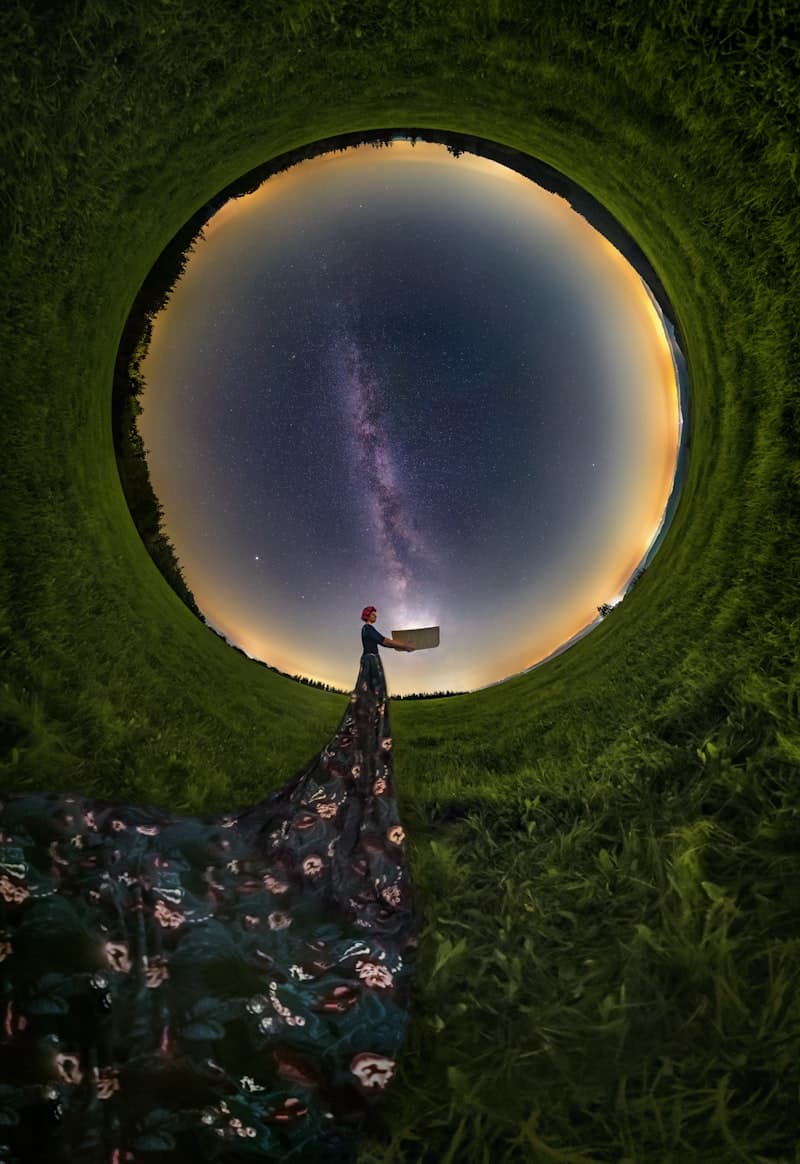
Fantasy
Dragons, wizards, and magical realms come to life
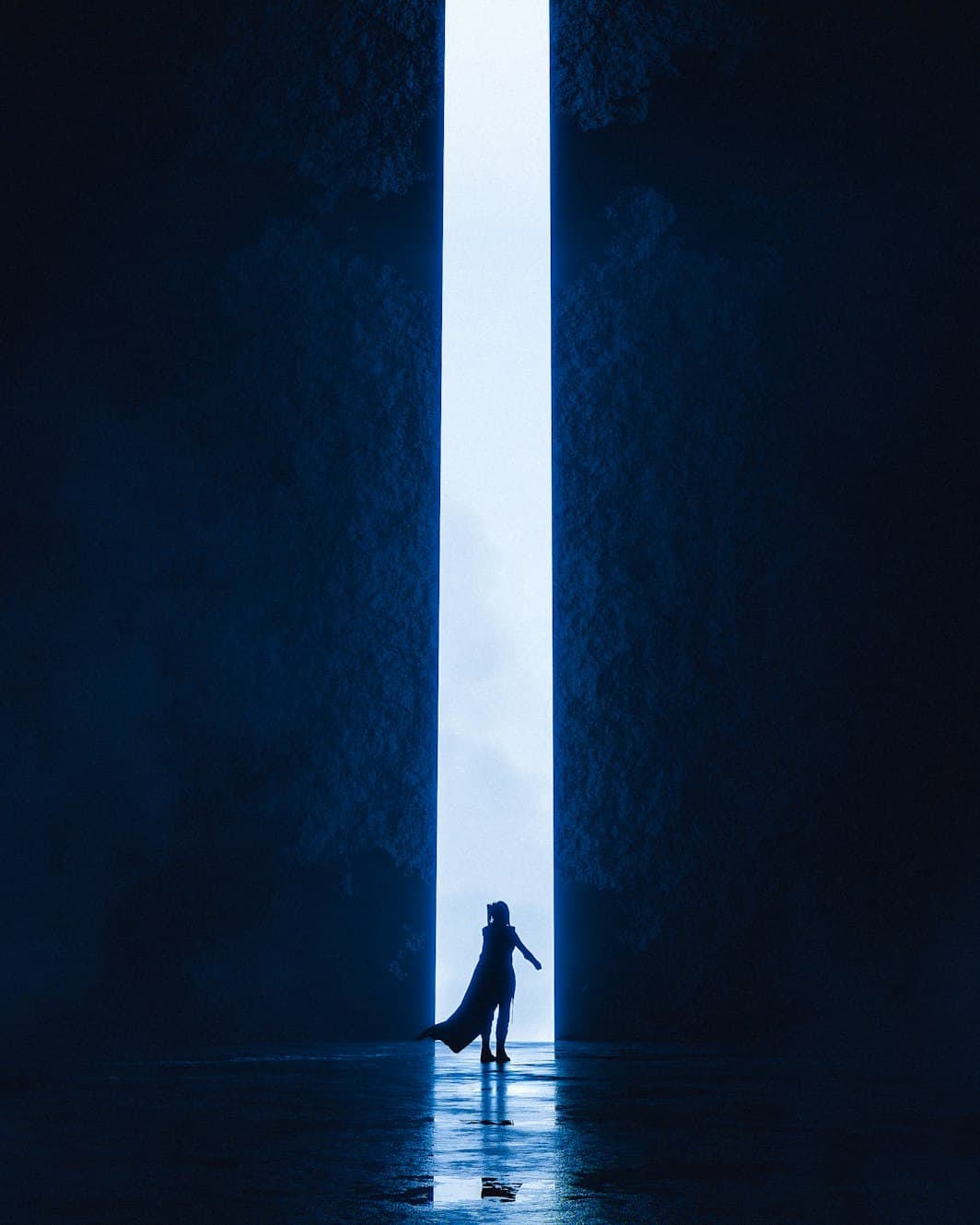
Sci-Fi
Futuristic characters from distant galaxies and timelines
Romance
Build relationships and explore emotional connections
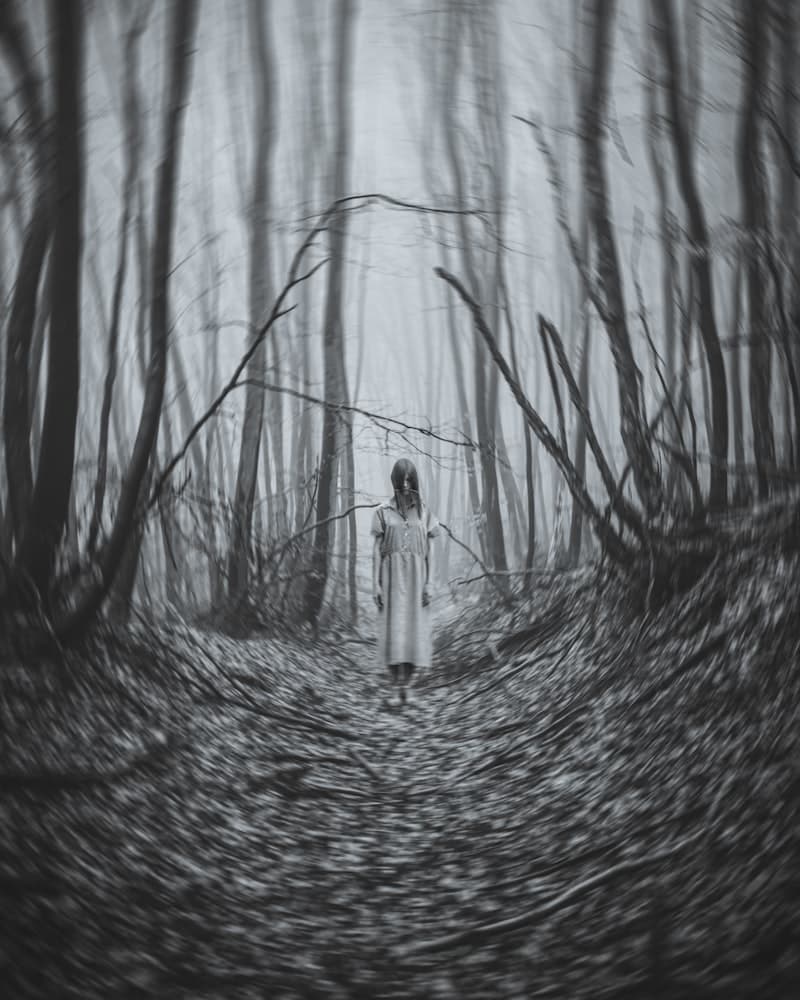
Horror
Dark, mysterious characters for thrilling conversations
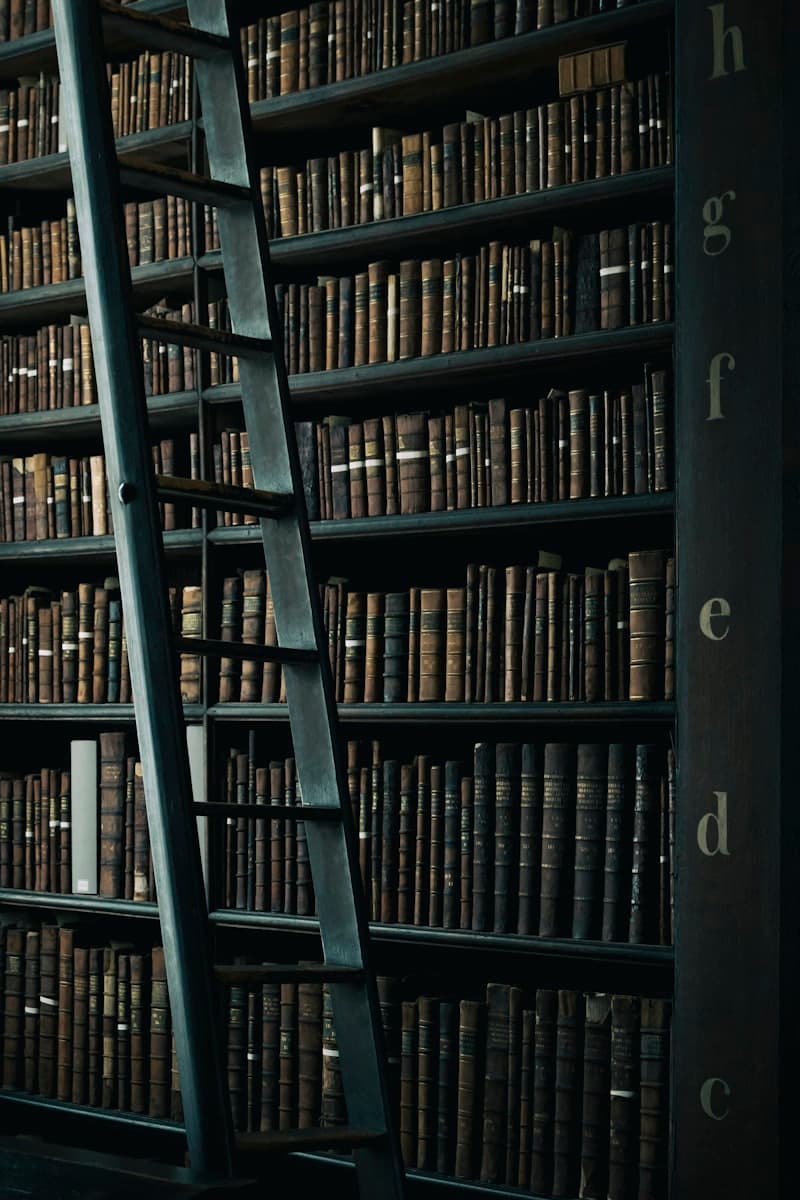
Education
Educational characters and learning companions
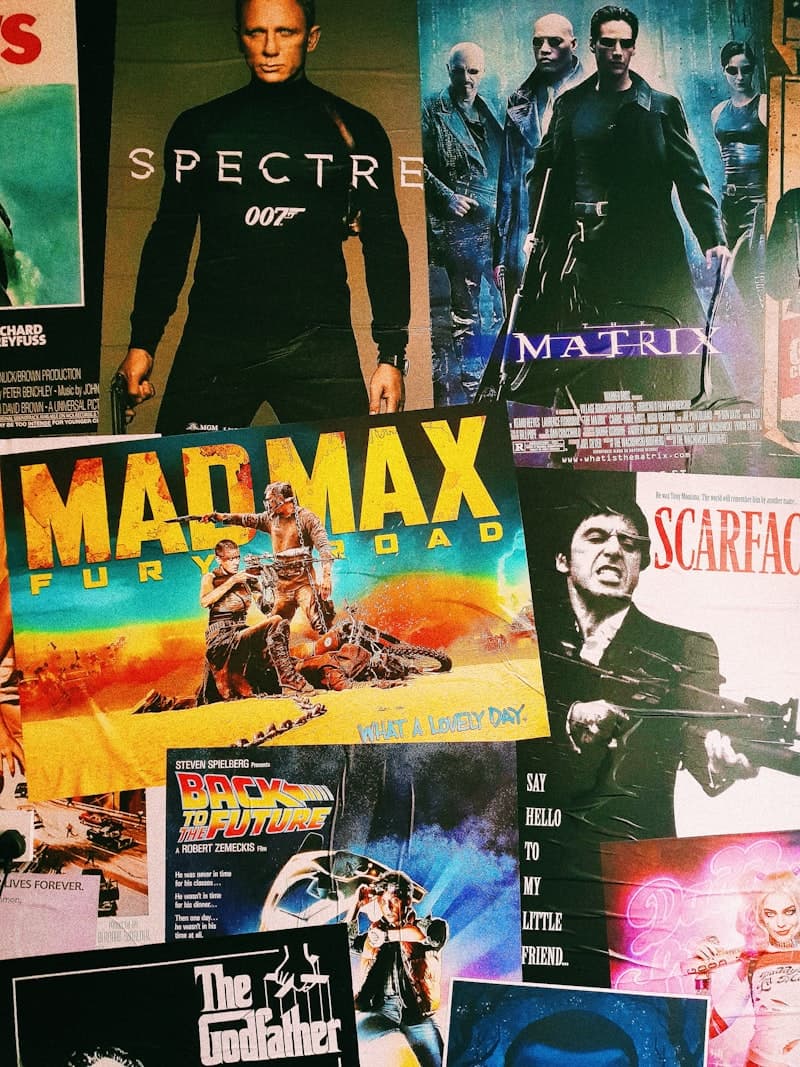
Movies & TV
Recreate characters from beloved shows and films
Original Characters
Bring your unique OC creations to life
Pricing
Pick a plan and start crafting.
Indie
Starter
- Get 100 credits per month
- Create 10 characters
- Live voice chat in realtime
- Characters can send you photos
Creators
Pro
- Get 1,000 credits per month
- Create 100 characters
- Live voice chat in realtime
- Characters can send you photos
- Early access to new features
Studios
Ultra
- Get 10,000 credits per month
- Create unlimited characters
- Live voice chat in realtime
- Characters can send you photos
- Day-one access to everything new
What is an AI anime generator?
An AI anime generator creates anime-style images from a description: characters, scenes, portraits and illustrations in the look of Japanese animation and manga. You describe what you want (or, on SognoAI, tap it together from tiles) and a model produces the image in seconds. The difference between a good anime AI generator and a general image generator is specialization: anime has its own proportions, line work, shading and vocabulary, and models tuned for it render those far more reliably than a general model that treats "anime" as one style among thousands.
SognoAI's generator is built for exactly that kind of work. The style row includes Anime, Dark Anime, Manga, Manhwa and Otome looks, the trait tiles speak the vocabulary anime prompts rely on (twin-tails, heterochromia, school uniform, cowboy shot), and Animagine XL v4 sits in the model list for when you want a model trained for the style rather than one that approximates it.
How the anime art generator builds your prompt
Most people know what their character looks like but not how to phrase it for a model. The trait builder closes that gap. Choose a style, then pick from rows of tiles: gender and age, body type, hair color and hairstyle, eye color, outfit, skin, expression, gesture, pose, accessories, composition, lighting and setting. Each tile adds a short keyword phrase, and together they form a complete prompt. Tap a tile again to remove it.
The prompt stays yours. Edit it freely, add details the tiles don't cover, or write one from scratch. If you do write your own, the enhancer can expand a rough line into a detailed description. Everything you generate lands in your private gallery, so a near-miss from yesterday can become today's starting point.
Which anime AI generator model should you use?
Start free. FLUX.2 Klein, FLUX Schnell, P-Image and Z-Image Turbo are available on the free plan and are fast enough to try a dozen trait combinations in a few minutes. Paired with an anime style tile, they're a quick way to settle on a design.
For final anime art, Animagine XL v4 is the specialist. It is tuned for anime character illustration, takes a negative prompt for steering away from what you don't want, and accepts a seed so you can re-run a composition you like while changing a single trait. It's available on paid plans and billed on the compute time it actually uses, roughly a credit (about a cent) per image. Premium engines such as Nano Banana, Seedream and GPT Image handle anime well too and add reference-based editing.
From AI anime character generator to a character you can talk to
An image is where most anime generators stop. On SognoAI it can be where a character starts. The character creator uses the same trait builder in a fixed 3:4 portrait format; generate a portrait there, then write a persona, a scenario and a few lines of example dialogue, choose a voice, and start chatting. Free accounts can create up to three characters.
The portrait then works as the character's reference image. Characters can generate and send pictures mid-conversation, which is on by default and works on the free plan with the free image models, and a reference-capable model keeps them looking like themselves from one picture to the next. If you'd rather have a starting idea than a blank page, the community's Random Anime Character Generator character rolls a complete character sheet (name, archetype, hair, eyes, outfit, quirk) that you can bring straight back to the tiles.
Can you turn a photo into anime?
Yes, with a model that accepts reference images. In the generator, select an edit-capable model, upload a photo as a reference, and describe the result you want, for example an anime-style portrait of the same person in the same pose. FLUX.2 Klein does this on the free plan and takes up to four references; Nano Banana, Seedream, GPT Image and Grok Imagine do it on paid plans. You can also upload a photo in a chat and ask the character to remake it in anime style. How closely the result follows the original varies by model, so it's worth trying more than one. Only upload photos you have the right to use.
Tips for better anime generations
Be concrete about the details that define anime characters: hair color and style, eye color, outfit, expression. Use composition terms such as close-up, half body, cowboy shot or full body to control framing instead of hoping for it. Pick lighting and a setting, because a classroom at golden hour reads very differently from a neon street. On Animagine, list what you don't want in the negative prompt, and fix the seed once you like a composition so each change is the only change. Match the aspect ratio to where the image is going: 1:1 for avatars, 3:4 for portraits, 9:16 for phone wallpapers.
FAQ
Common questions
Is the AI anime generator free?+
Yes, to start. The free plan includes a monthly credit allowance and four fast models (FLUX.2 Klein, FLUX Schnell, P-Image and Z-Image Turbo), each costing a fraction of a credit per image, and every anime style tile works with them. The anime-tuned Animagine XL v4 and premium engines need a paid plan.
What's the best anime AI generator model on SognoAI?+
For dedicated anime character art, Animagine XL v4: it's tuned for the style and supports negative prompts and fixed seeds. For free drafts, pair FLUX.2 Klein or FLUX Schnell with an anime style tile.
Can it work as an AI anime character generator?+
Yes. Generate a portrait in the character creator, then add a persona, scenario and voice, and the character is ready to chat. They can send you new pictures of themselves mid-conversation.
Which anime styles can I choose?+
The style row includes Anime, Dark Anime, Manga (black and white), Manhwa, Otome and Semi-realistic, alongside general styles like Illustration, Comic and Watercolor. You can also describe any style in your own words.
Can I turn my photo into anime?+
Yes. Pick a model that accepts reference images, upload your photo, and ask for an anime version. FLUX.2 Klein does this on the free plan; Nano Banana, Seedream, GPT Image and Grok Imagine do it on paid plans.
Where do my anime images go?+
Into your private gallery, where you can download them, remix them, or reuse one as a reference. They aren't shown publicly unless you choose to share them.
More AI tools
One chat, many talents
Imagine someone. Then meet them.
SognoAI's character creator turns a description into a living AI companion. Write their personality and backstory, generate their portrait, pick their voice, and start talking. Your character remembers you, stays in character, and grows with every conversation.
Learn moreDescribe it. Watch it become an image.
SognoAI's image generator turns your words into pictures. Choose from a curated lineup of the best models, from lightning-fast free options to premium engines like FLUX 2 Pro and Nano Banana Pro, then generate art, photos, and anime in any aspect ratio.
Learn moreStop typing. Start talking.
SognoAI's voice chat lets you have live spoken conversations with any AI character. Real-time responses, natural voices, and the same personality and memory as text chat. It's the difference between messaging a character and actually talking to them.
Learn more